Homelab/Windows server
Join second domain controller inside existing AD forest
Join second domain controller inside existing AD forest
Edit on GitHub
health check
# Make sure AD is healthy
dcdiag /v

# Confirm your functional level supports a 2025 DC (2016 is enough)
Get-ADDomain | Select Name,DomainMode
Get-ADForest | Select Name,ForestMode
perpare second DC
Upgrade domain controllers to a newer version of Windows Server | Microsoft Learn
- rename the DC and restart
- setup static ip and change dns ping to itself and another DC
- ping the domain name to check the connection
- install updates and feature and restart machine
join DC
join domain Add-Computer -DomainName greenhuang.local -Credential greenhuang\Administrator -Restart
Promote Server 2025 to “Additional domain controller”
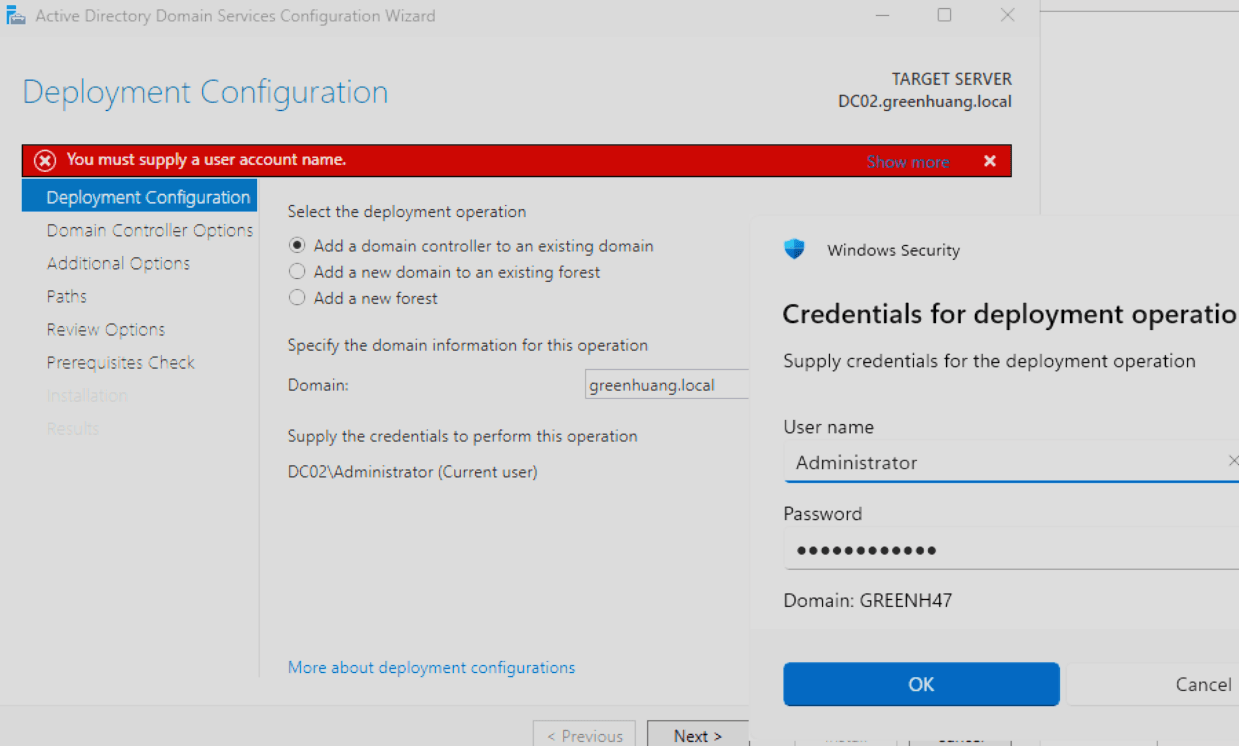
Server Manager → AD DS → More… → Promote this server to a domain controller
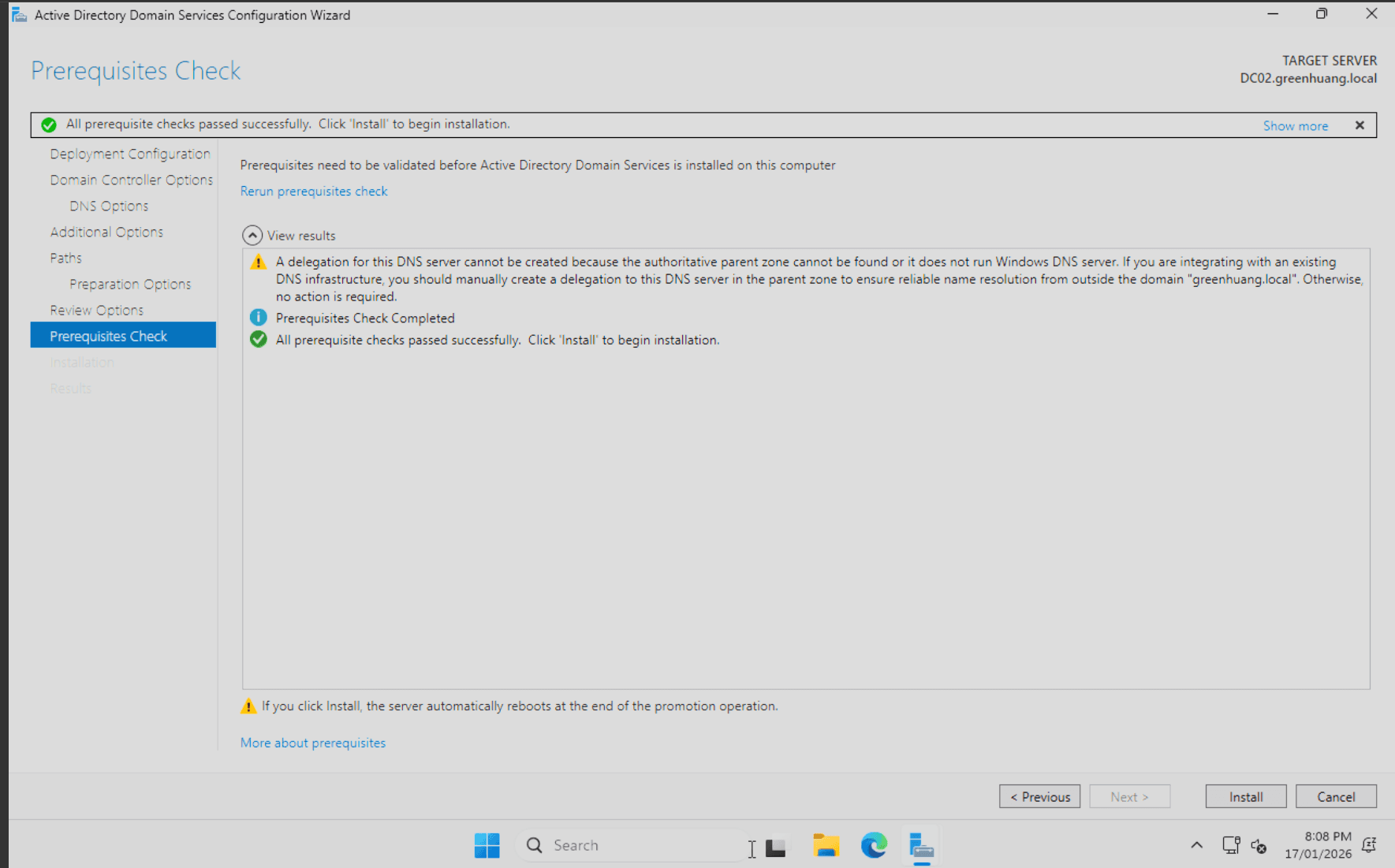
apply -> install -> restart
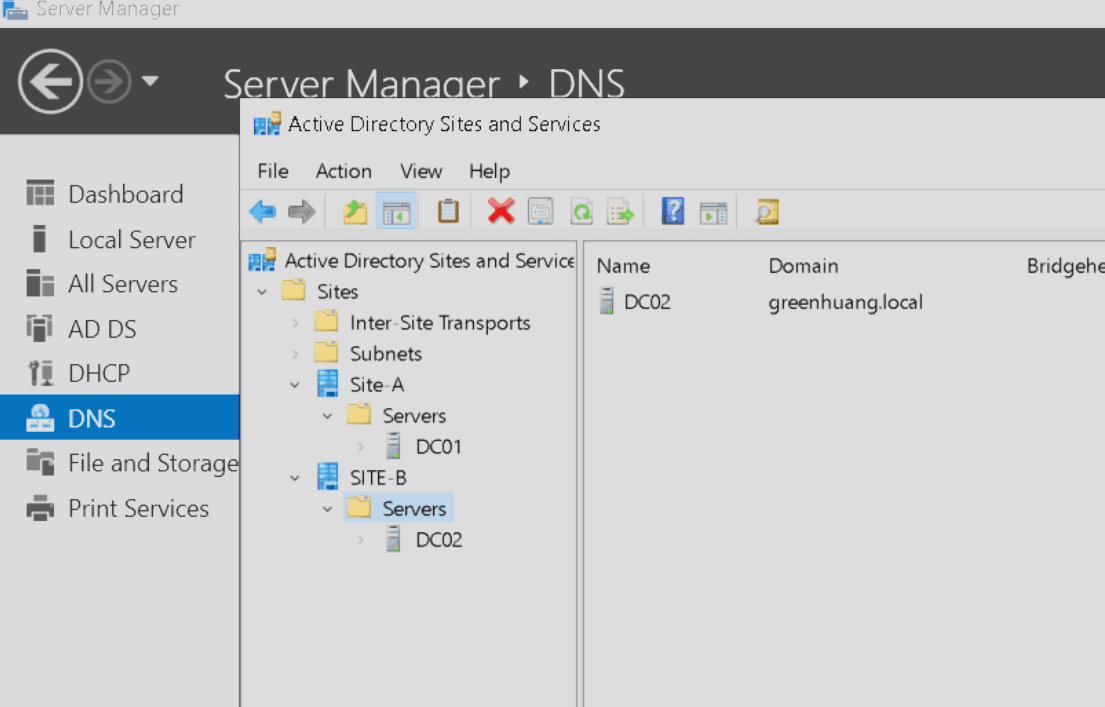
finally we can find it in the AD forest
run this command in any DC
Get-ADDomainController -Filter * | Select HostName,IPv4Address,IsGlobalCatalog

repadmin /replsummary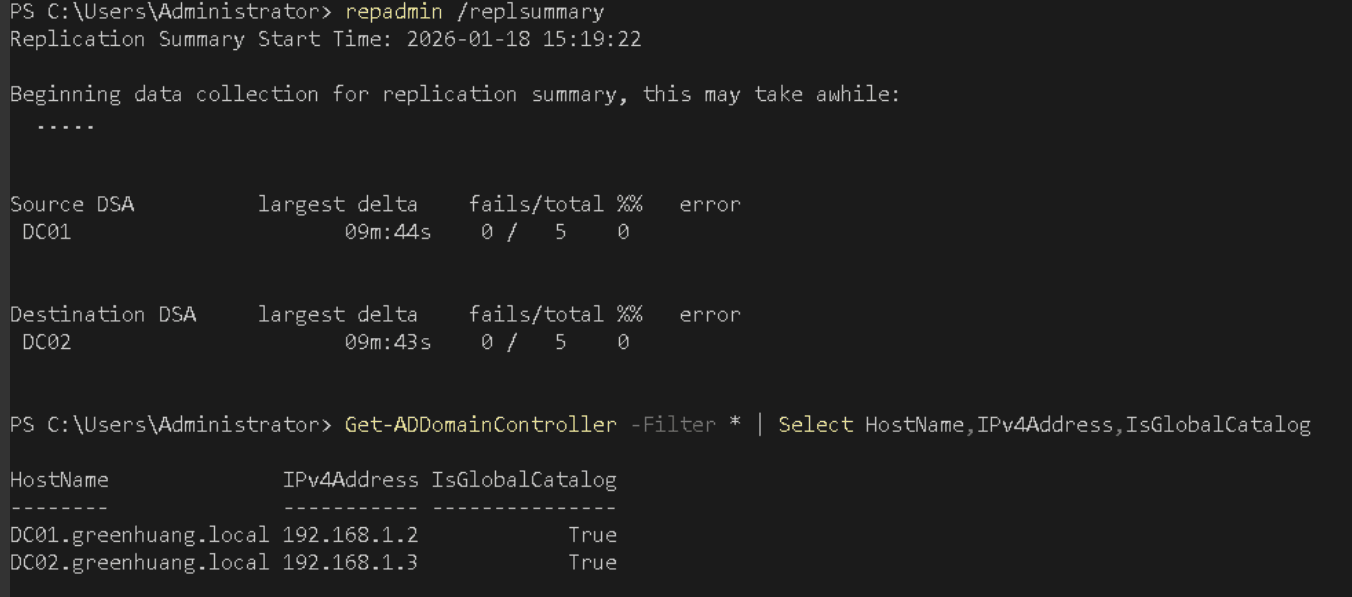
configure NTP
run on PDC
# check which is the master
netdom query fsmo

# change ntp source and restart service
w32tm /config /syncfromflags:manual /manualpeerlist:"0.au.pool.ntp.org,0x8 1.au.pool.ntp.org,0x8" /reliable:yes /update

net stop w32time
net start w32time
w32tm /resync /force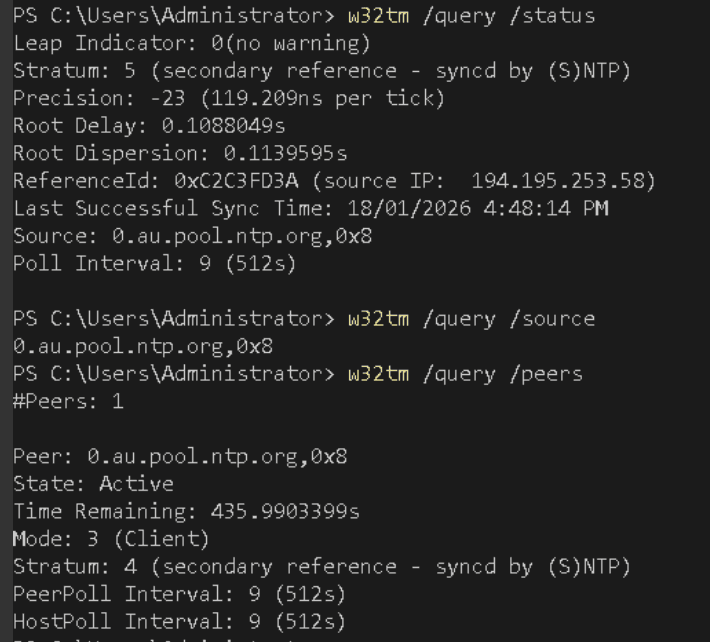
run on other device
w32tm /config /syncfromflags:domhier /update
net stop w32time
net start w32time
w32tm /resync /rediscover /nowait
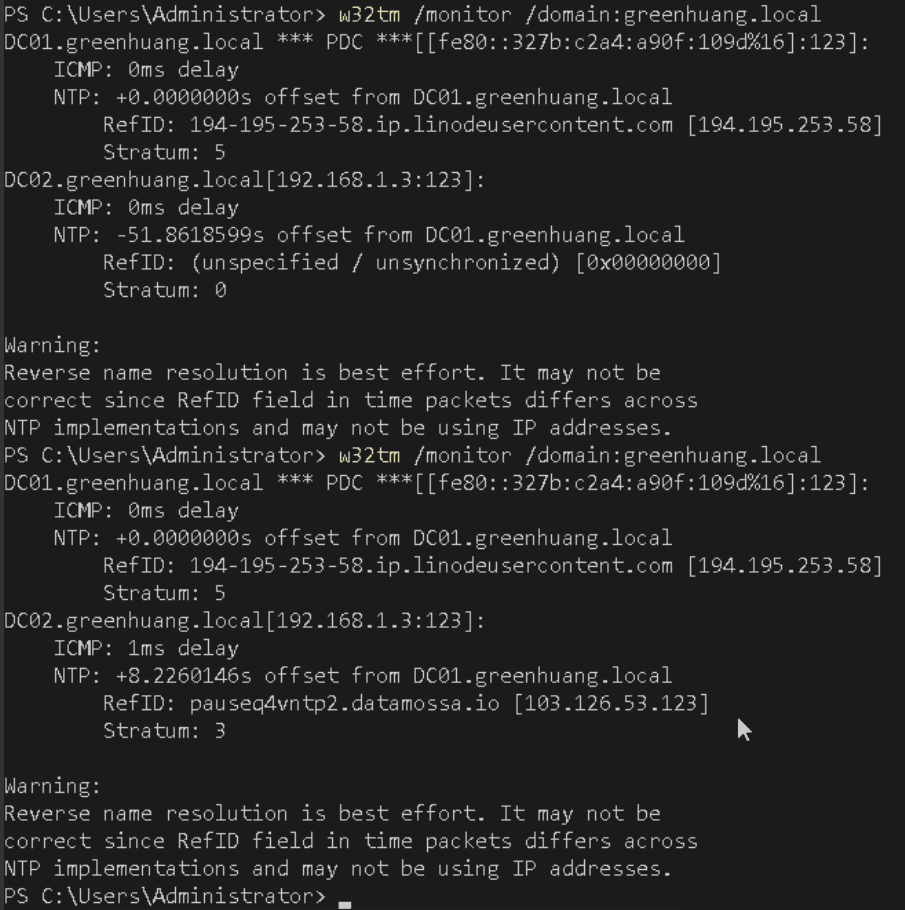
use the command to check domain's time status
w32tm /monitor /domain:greenhuang.local