Publish a self-hosted application to the Internet using Cloudflare Acces
Publish a self-hosted application to the Internet using Cloudflare Acces
Cloudflare Access adds an authentication layer before traffic ever hits your tunnel. You create an Access Application for your tunnel’s hostname, and then define policies that only allow specific identities (e.g., your email, Google account, GitHub account, etc.).
Create an Access application · Cloudflare Learning Paths
Publish a self-hosted application to the Internet · Cloudflare One docs
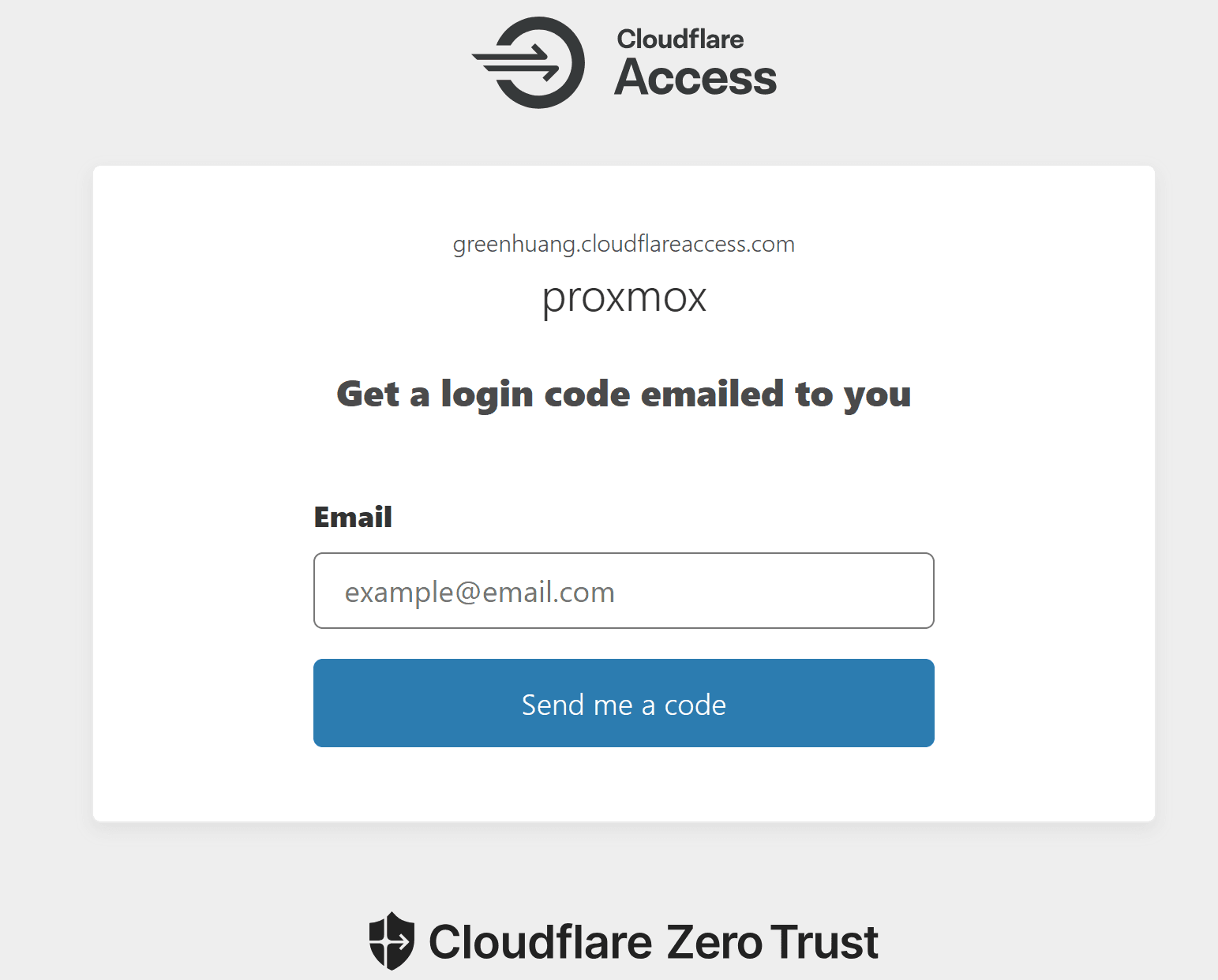
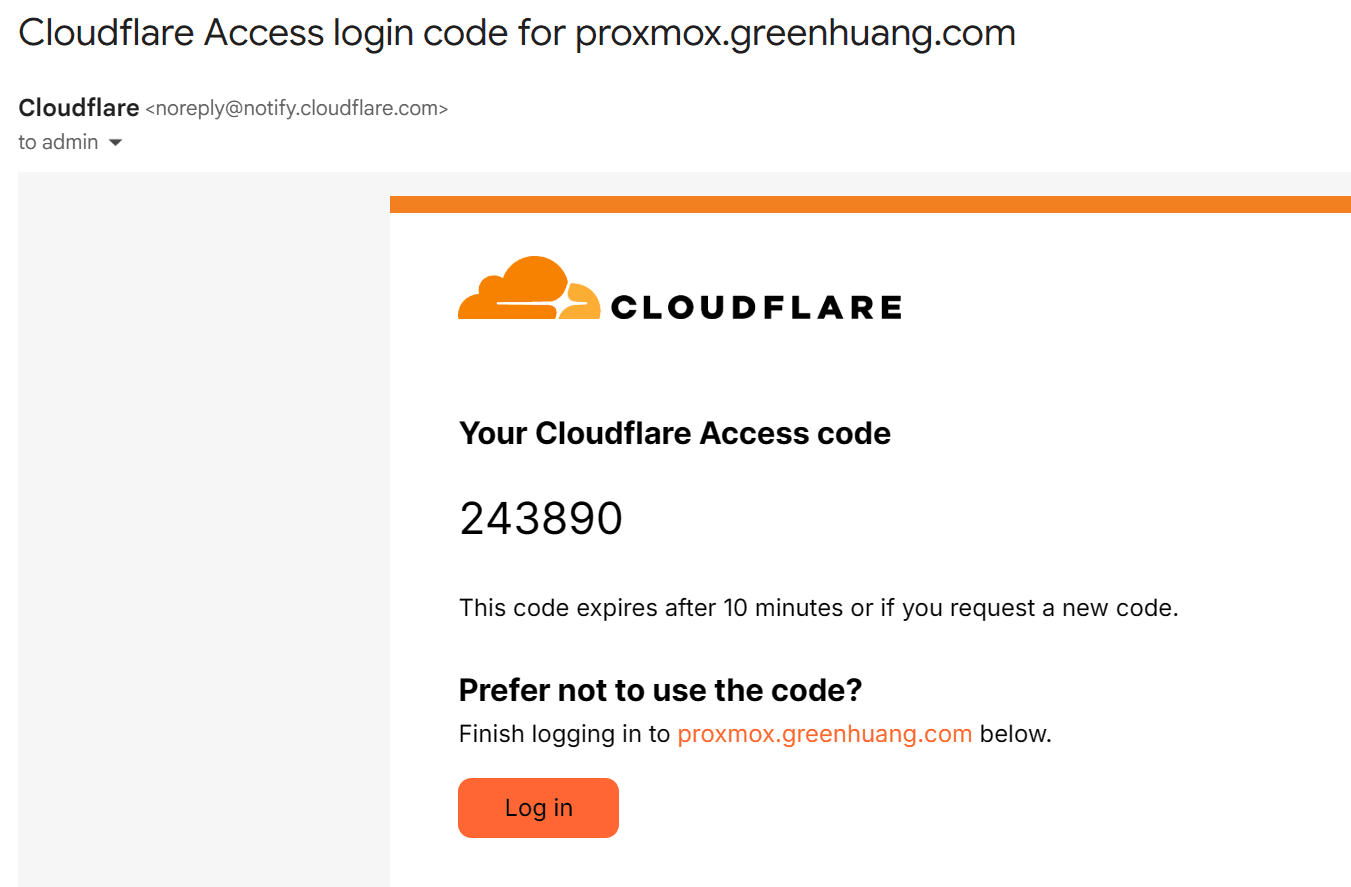
using email OTP to access
Steps (high-level)
-
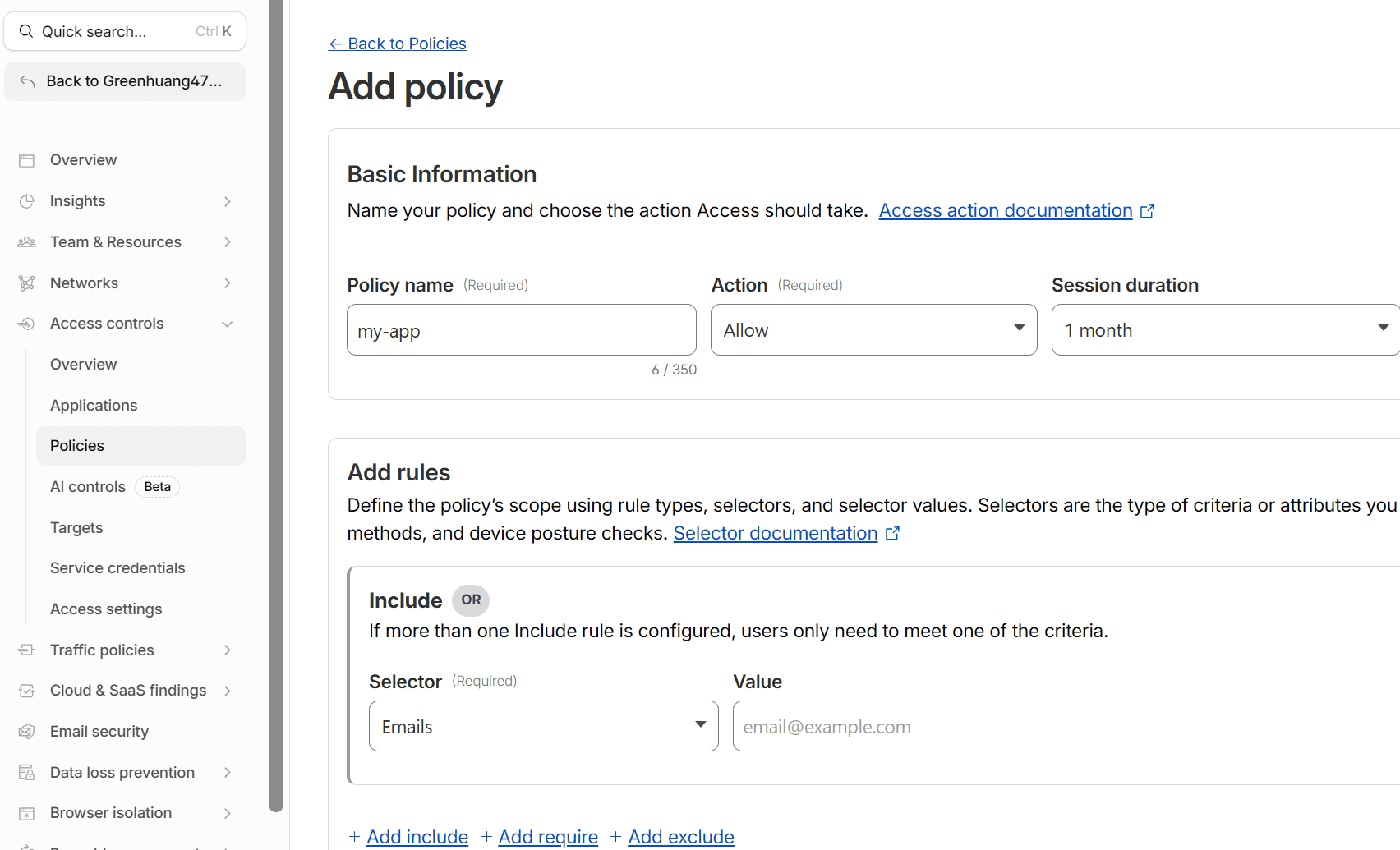
Configure an identity provider (Google, GitHub, email OTP, etc.) or a policy under **Zero Trust → Access control → Polices
-
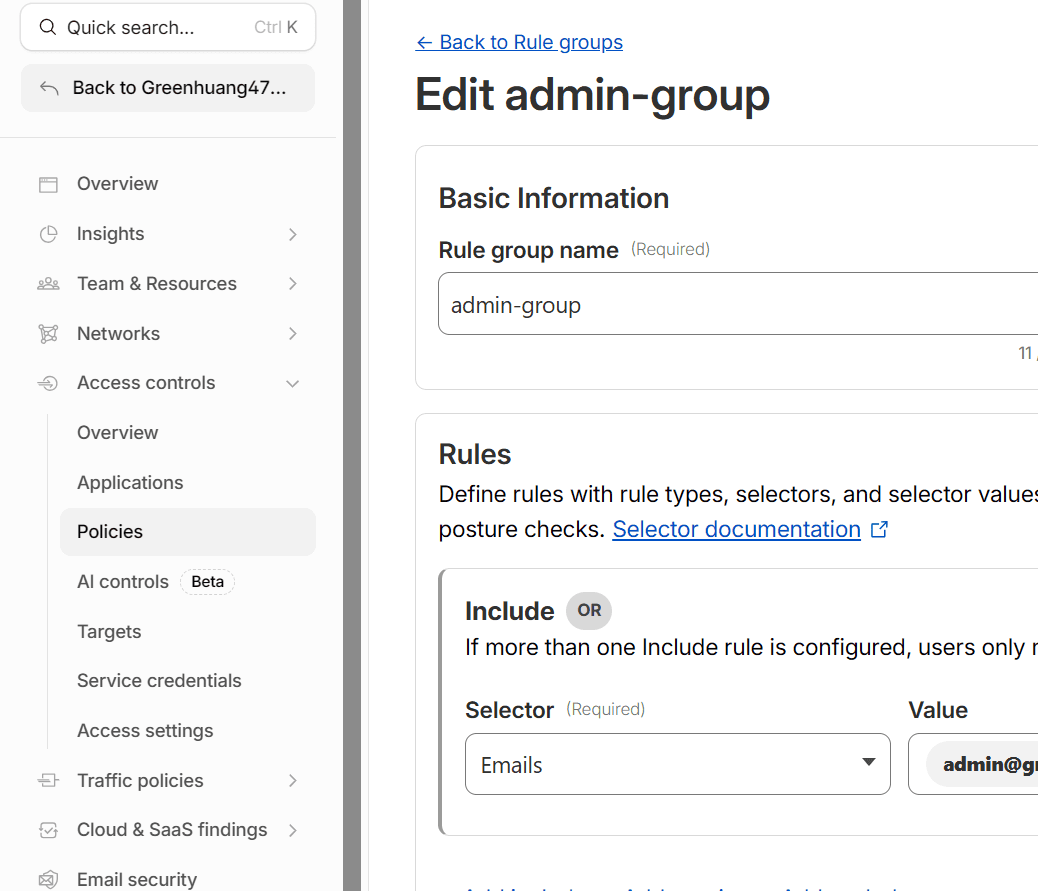
In Zero Trust → Access → Groups, click Add a Group. Choose Emails or Email list selector. Add the exact email(s) you want to allow
-
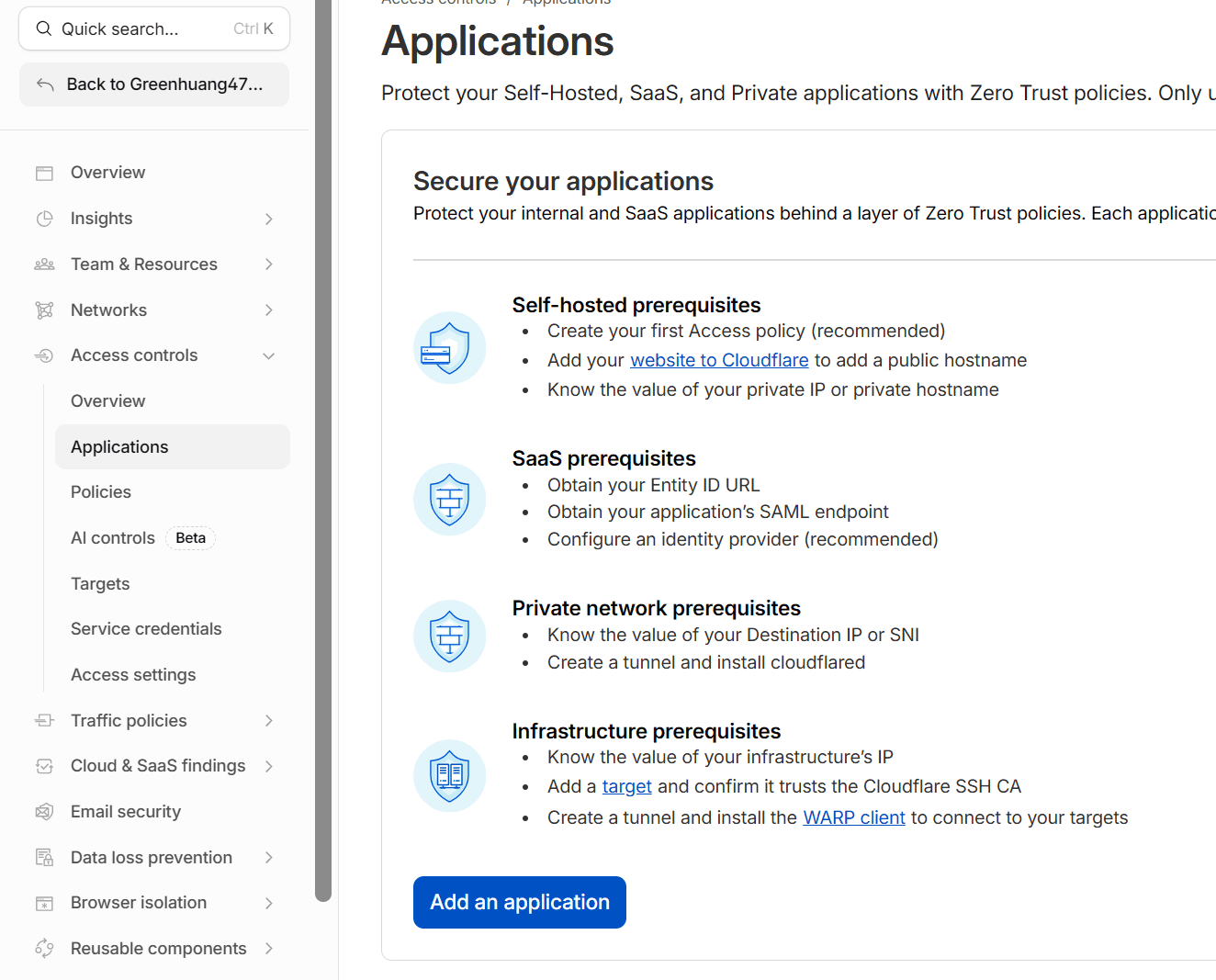
In the Cloudflare dashboard, go to Zero Trust → Access control → Applications.
-
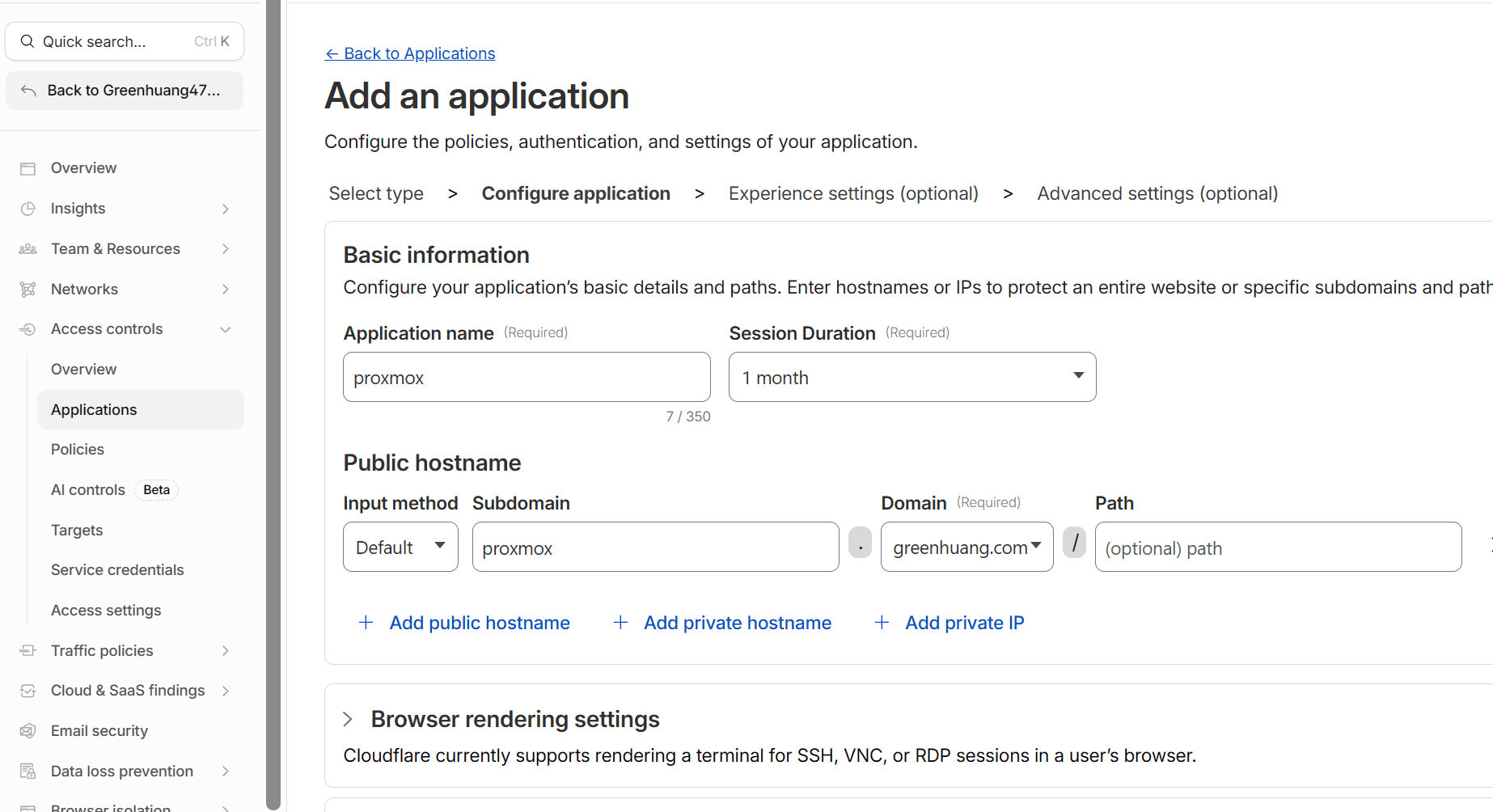
Add a Self-hosted application for the public hostname you assigned to your tunnel.
-
In the application’s Policies, set rules that only allow your user identity and deny all others.
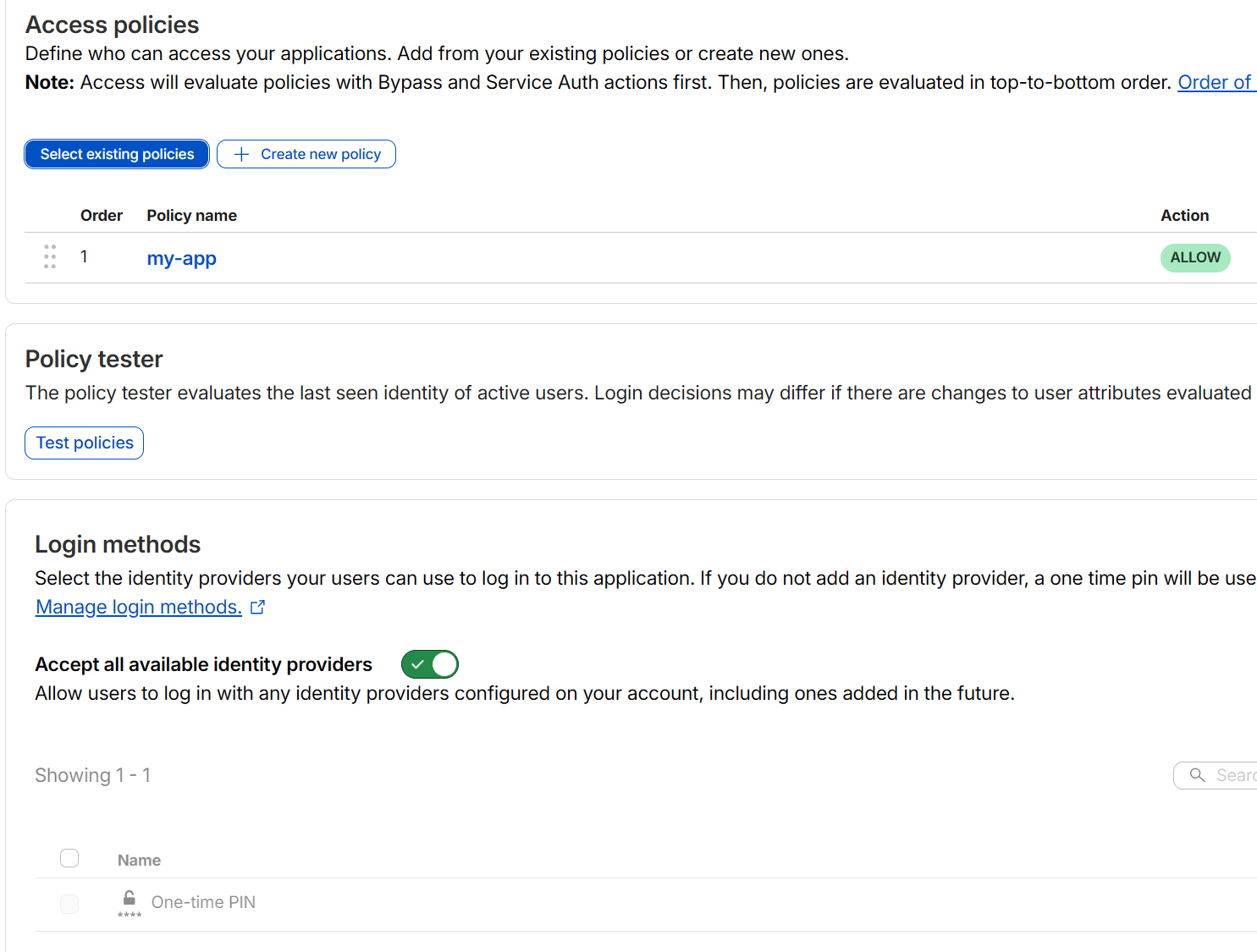
results
If an email is not on the allowed list, no code is sent — it will silently fail, preventing guessing.
Self hosted Bitwarden-Lite
A guide to Self hosted Bitwarden-Lite on arm64v8 vps with postgre 18.
Using Microsoft Entra ID as authentication for Cloudflare Zero Trust (Cloudflare Access)
Use Microsoft Entra ID as an identity provider (IdP) so that all access to self-hosted applications behind Cloudflare requires login (SSO + MFA). This adds an extra authentication layer without exposing the app directly.